Skip to content

Features

Everything a modern mileage logbook should do.

StarLog combines automatic trip detection, thoughtful organization and professional exports in one calm iPhone app.

  • Automatic or manual
  • Business & private
  • Export-ready
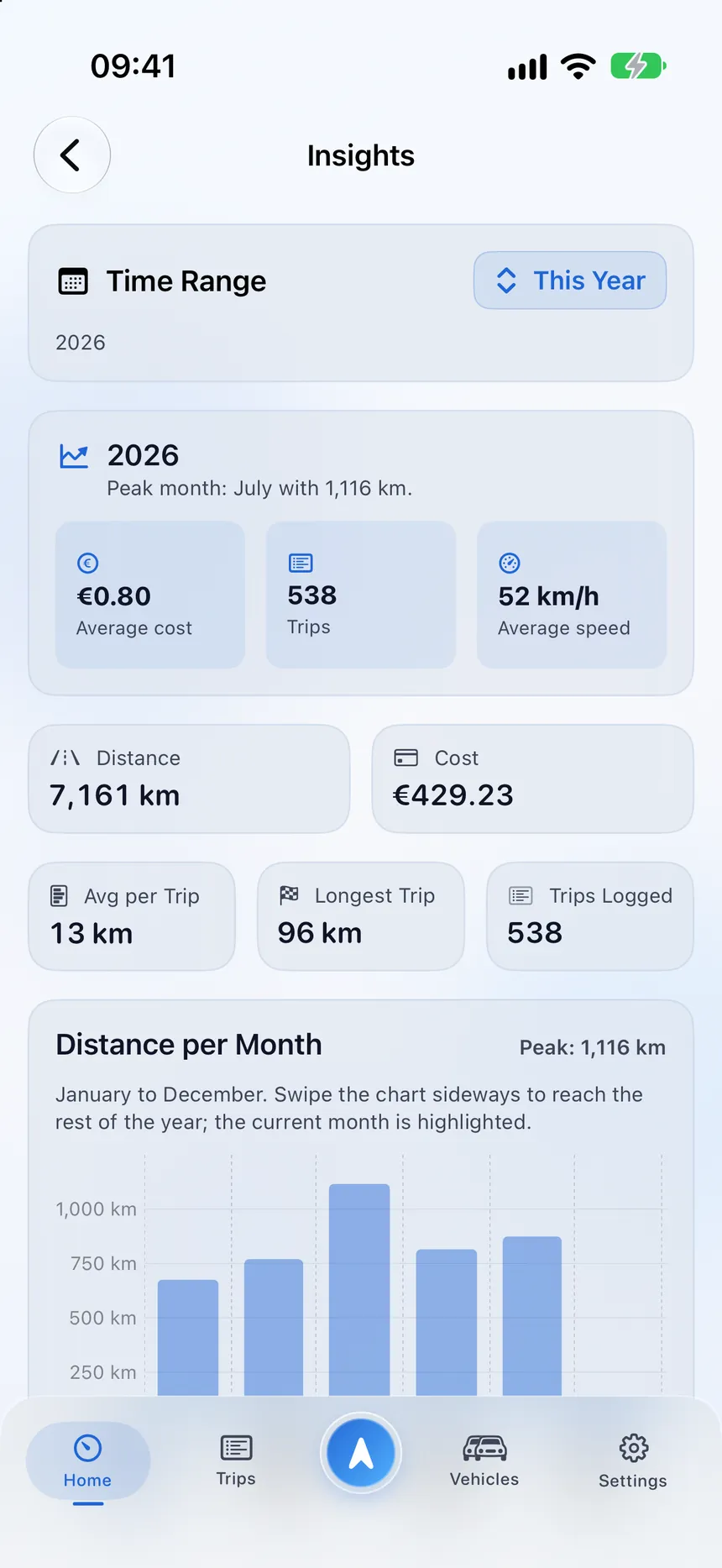
StarLog insights with yearly totals and distance per month
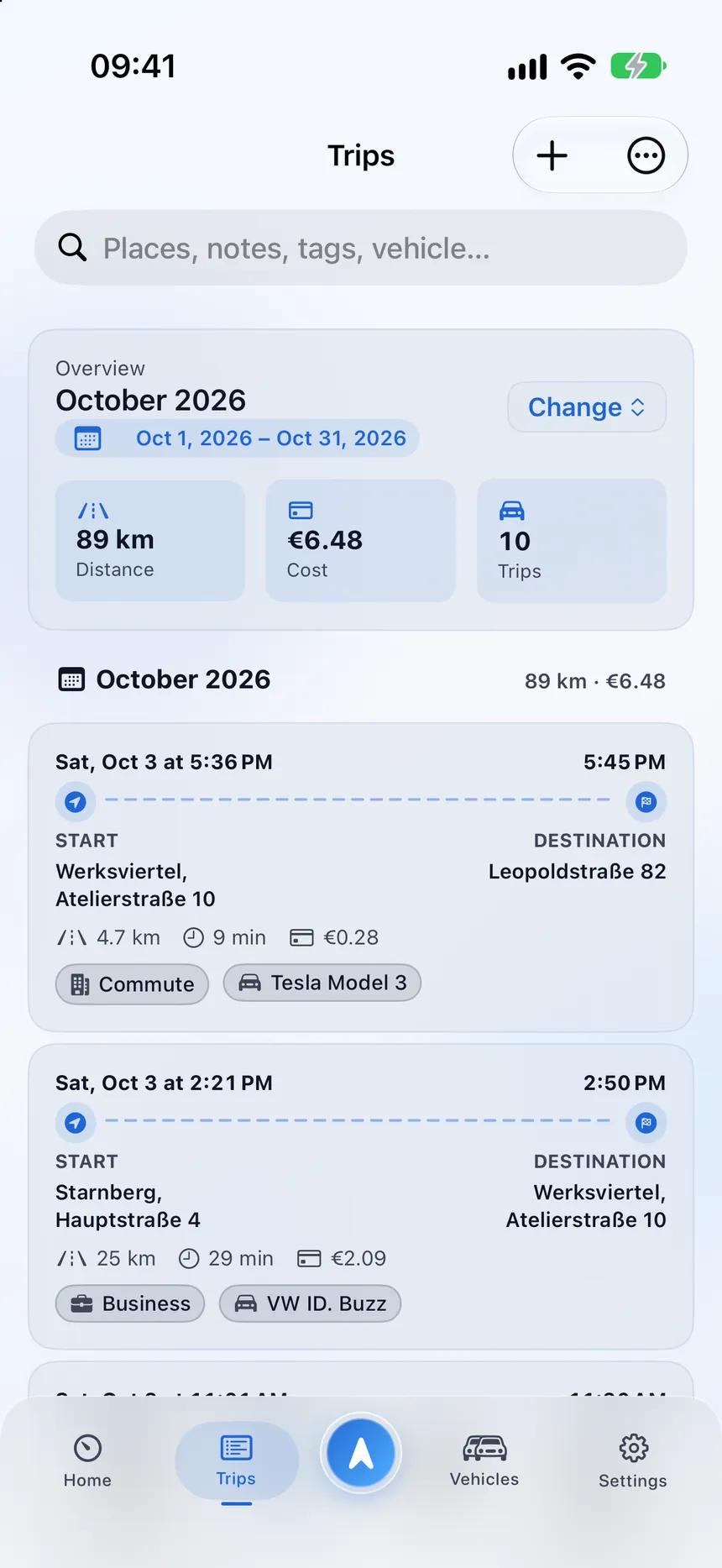
StarLog trip list with a monthly summary, costs and categorized trips

Capture

Trips, captured your way

Let StarLog notice your drives, follow one live, or add a trip from memory. All three end up in the same tidy logbook.

  • Automatic detection that checks several signals before it starts
  • Live tracking with a real-time route, distance and duration
  • Manual trips with locations, date, distance, purpose and costs
  • Saved places that can start or end a trip for you
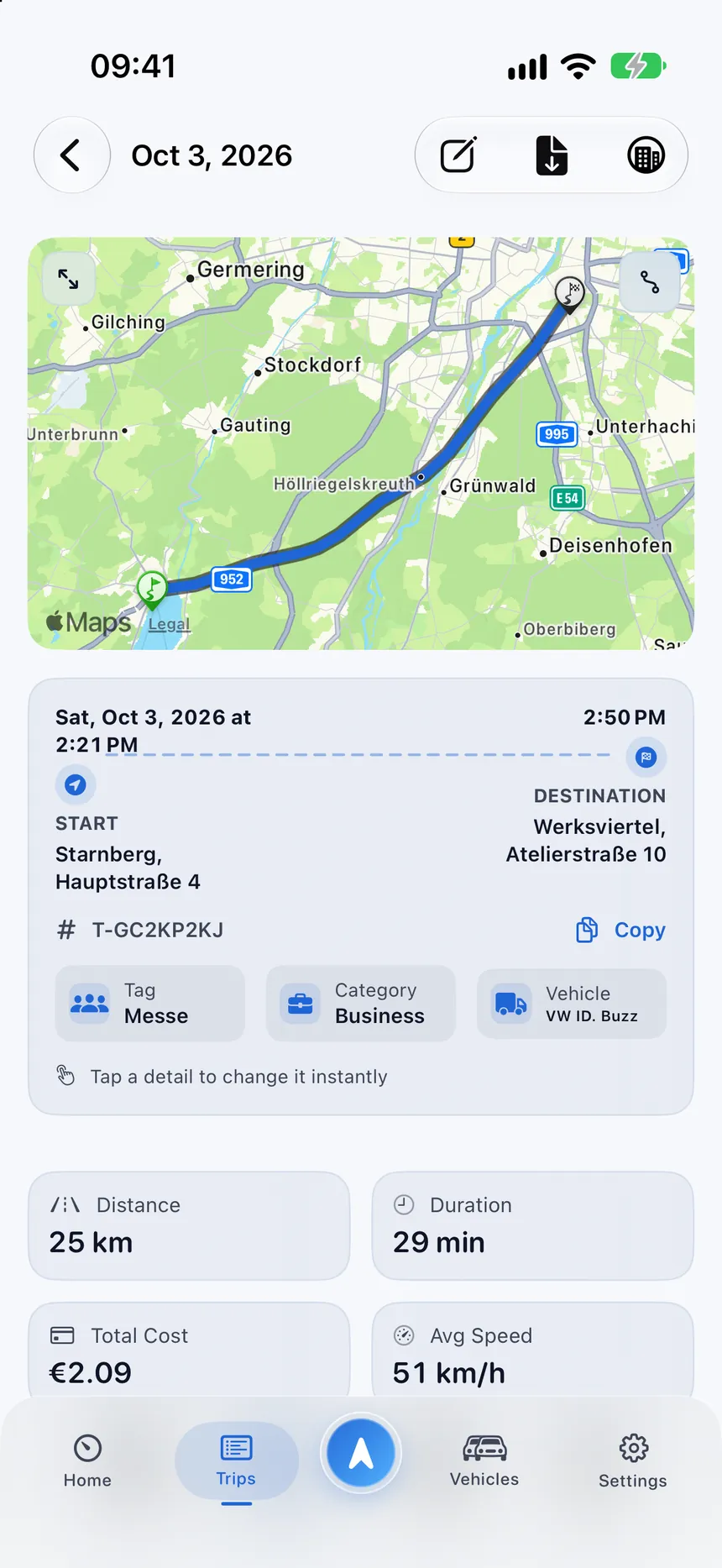
StarLog trip detail with the route on a map from Starnberg to Munich

Organize

Context that makes records useful

A trip without context is hard to explain later. StarLog keeps the details attached to the drive.

  • Business, Private and custom categories, plus tags and notes
  • Vehicles for cars, EVs, hybrids, vans and motorcycles
  • Estimated cost per trip from your consumption and prices
  • An edit history for changes to category, vehicle and tags
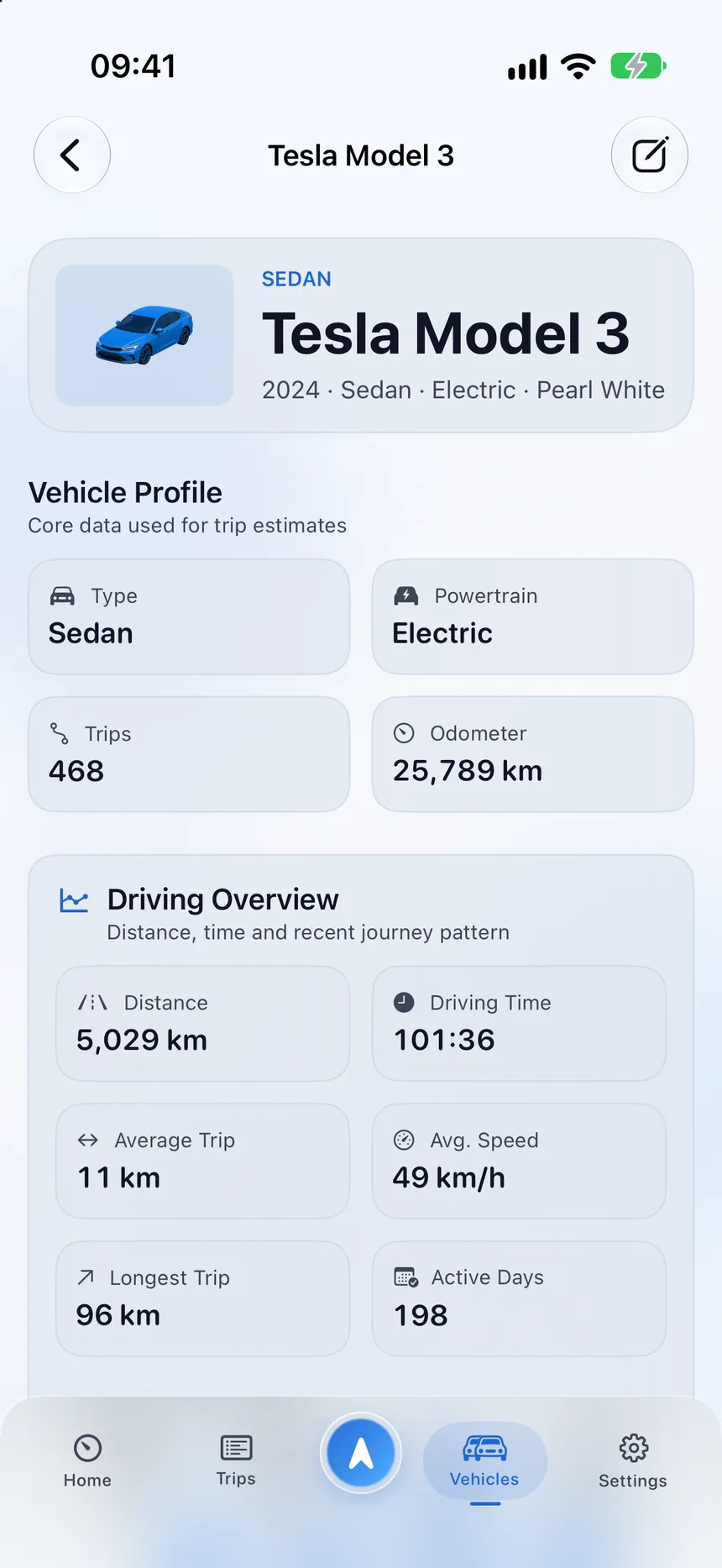
StarLog vehicle profile of a Tesla Model 3 with a driving overview

Understand

Insights without the spreadsheet

See how much you drive, where and in which vehicle, over a day, a week, a month, a year or a range you choose.

  • Distance, duration, speed, cost and consumption at a glance
  • Frequent routes and places, and a vehicle comparison
  • Route playback with speed analysis and stop detection
  • Clear labels when data is incomplete instead of silent zeros
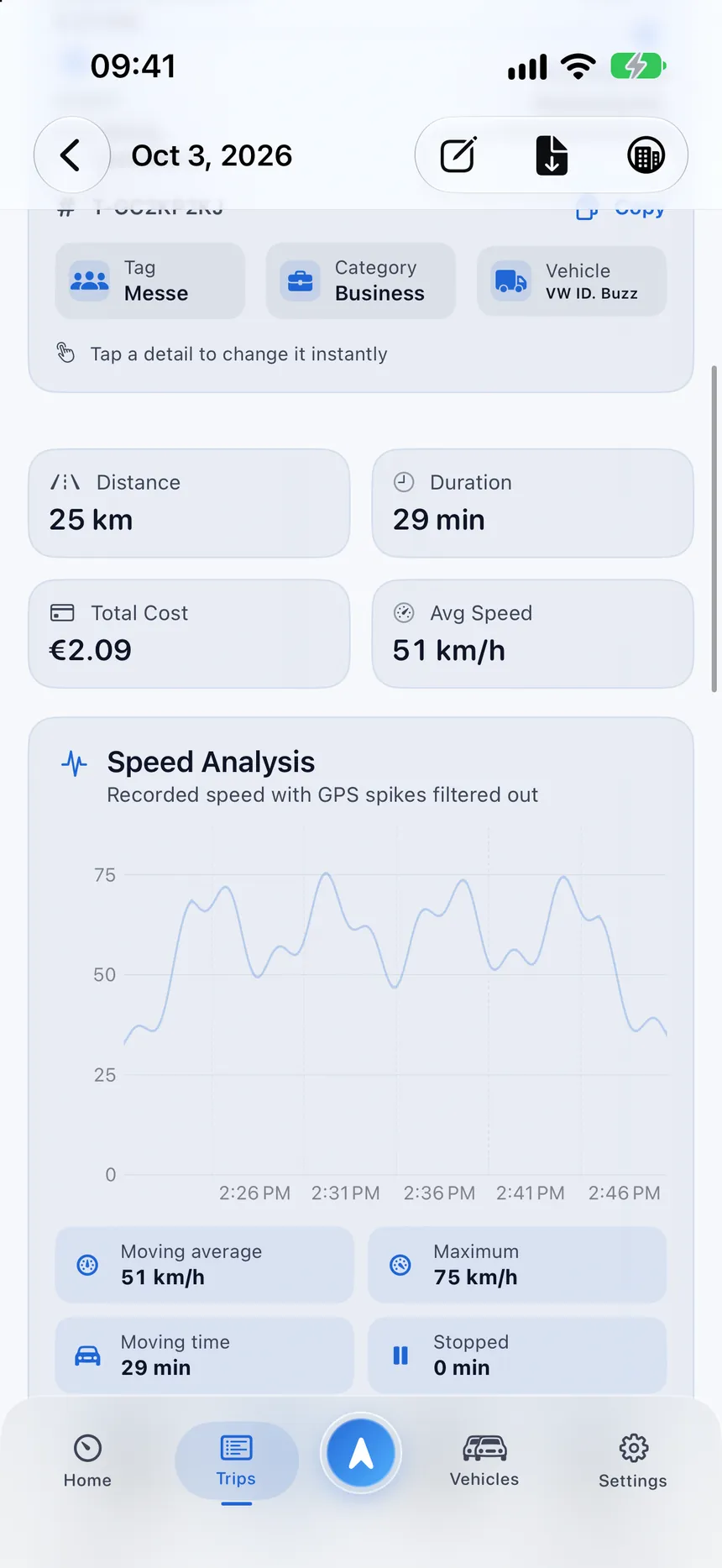
StarLog speed analysis of a trip with its speed profile

And more

Details that make daily use feel effortless.

The small things are what you notice every day.

Receipt scanning

Capture fuel and charging receipts and review the recognized values before saving.

Business receipts

Create a professional PDF with your business profile, selected trips and totals.

Widgets

Check your month, recent trips or parking spot from the Home Screen.

Live Activities

Follow distance and time of a running trip on the Lock Screen and in the Dynamic Island.

Shortcuts

Start or end tracking and open your last trip or monthly report with the Shortcuts app.

Parking spot

StarLog remembers where you left the car so you can find it again.

Five languages

English, German, Spanish, French and Italian, in the app and on this website.

Dark mode

A calm look in light and dark, following your iPhone setting.

Ready for a clearer mileage log?

Download StarLog and start with the trips you make every day.