Skip to content

StarLog for teams

Work trips together. Private trips stay private.

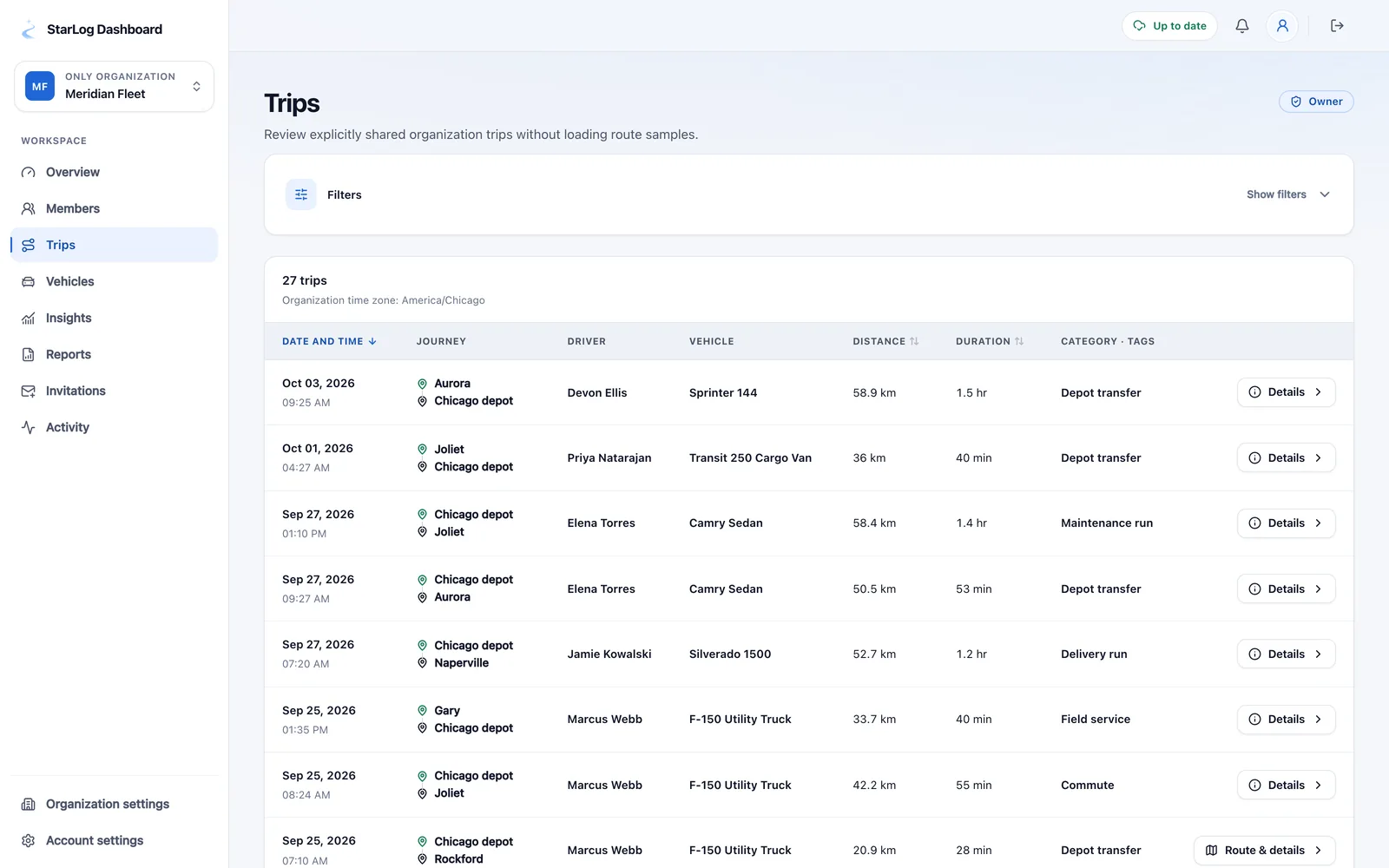
Organizations get a shared view of the trips that matter, built on one rule: members share what they choose to share.

  • Opt-in sharing
  • Roles & invitations
  • Reports & audit log
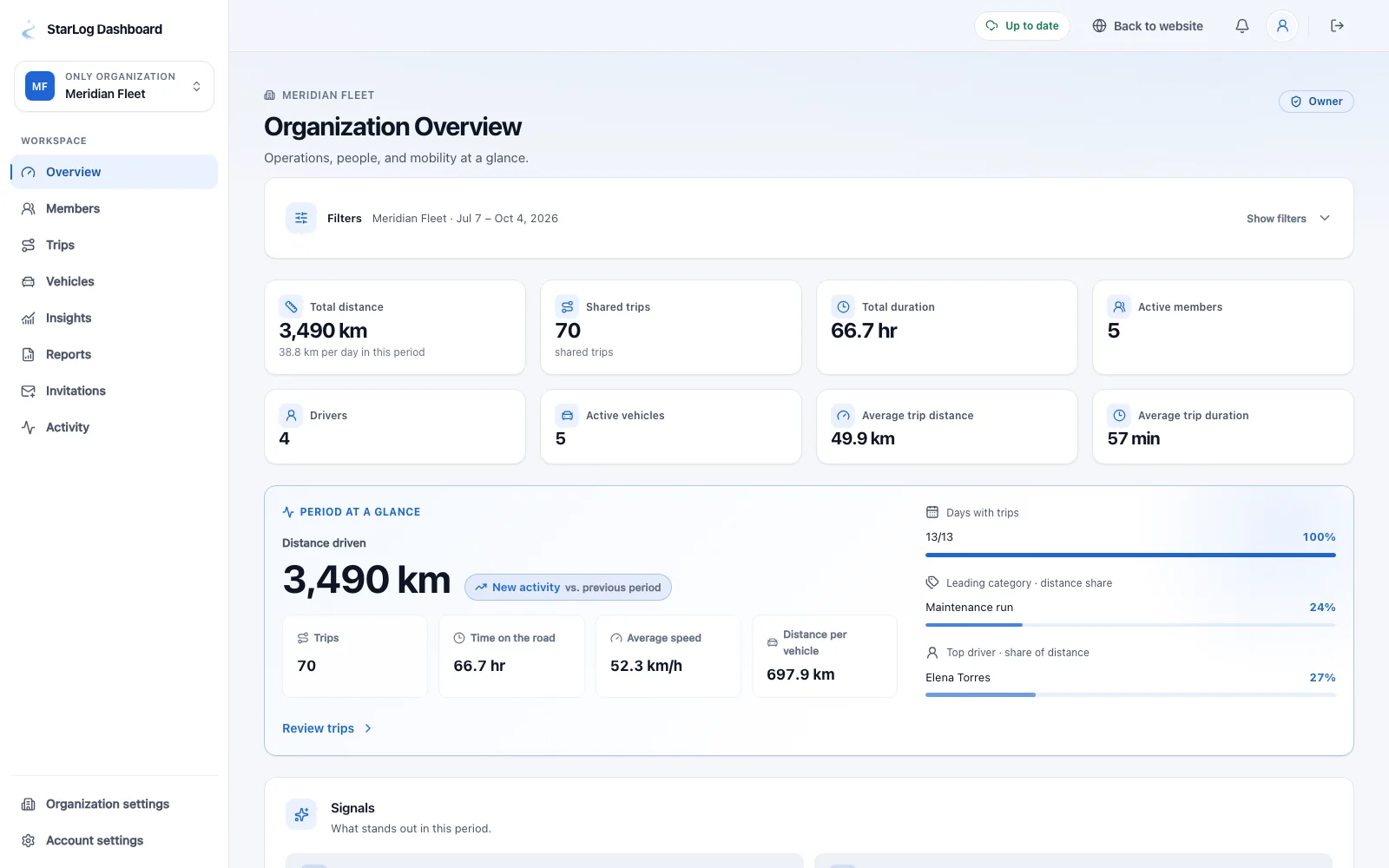
StarLog team dashboard with an organization’s shared trips, metrics and members
StarLog trip list with a monthly summary, costs and categorized trips

Share

Sharing is a decision, not a side effect

Joining an organization changes nothing about your private logbook. A trip is shared only when you choose to share it.

  • Share a single trip, or opt in to auto-share for an organization
  • Update or remove a share when the record changes
  • Personal trips stay in your personal logbook
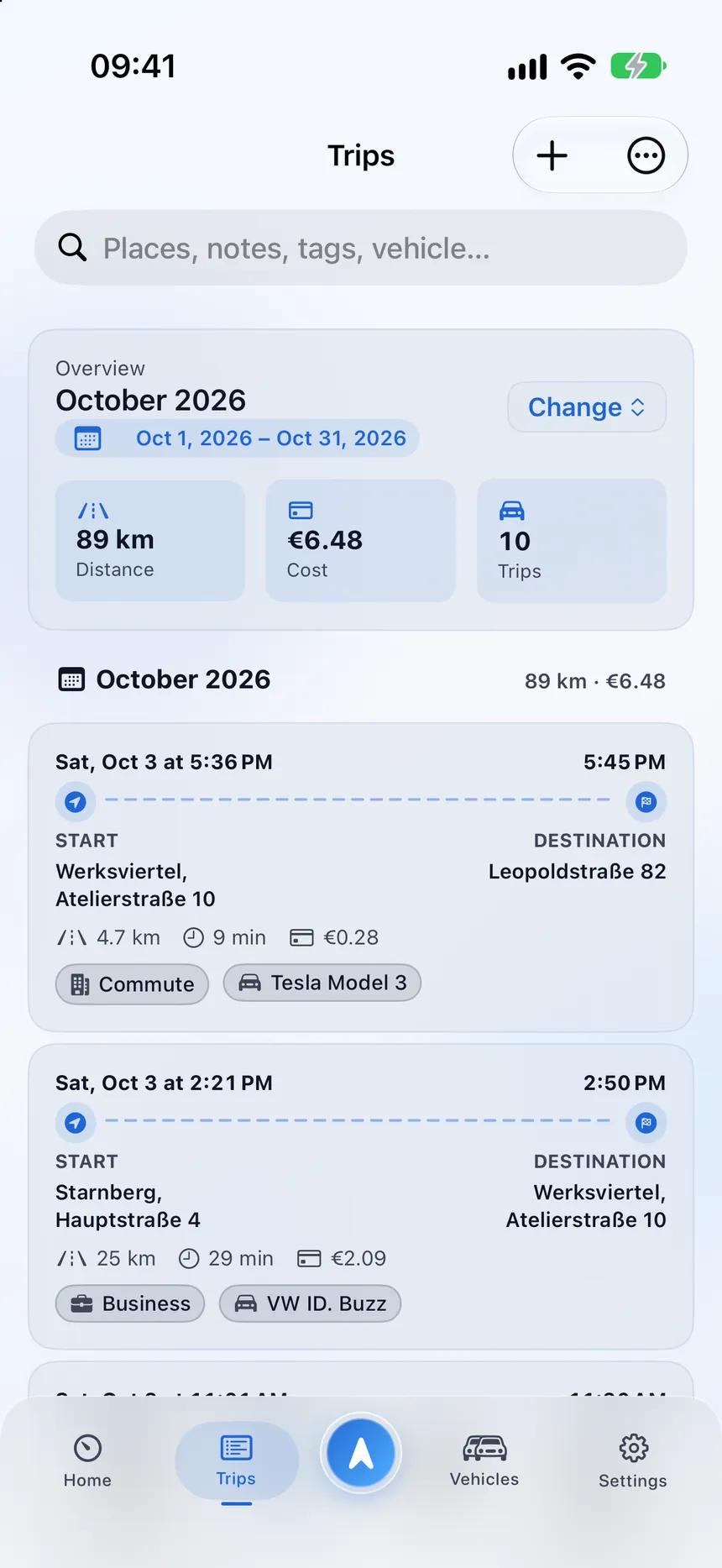
StarLog trip list with a monthly summary, costs and categorized trips
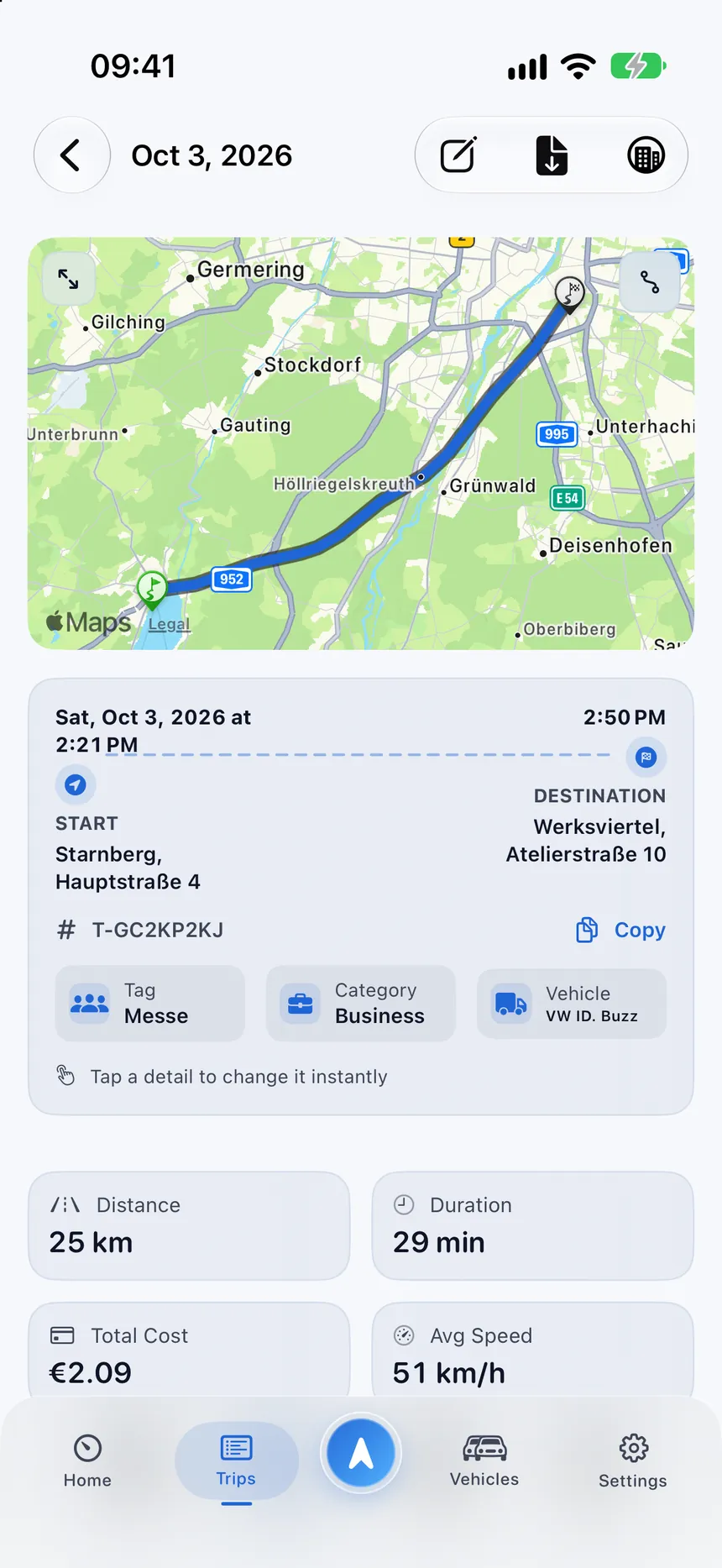
StarLog trip detail with the route on a map from Starnberg to Munich

Manage

Clear roles and secure access

Owners and administrators manage membership, invitations and roles on a secure web dashboard.

  • Invite members with secure links
  • Owner, admin and member roles
  • Sign in with Apple on the web dashboard
StarLog team dashboard with an organization’s shared trips, metrics and members

Review

Insights and reports for the organization

See shared trips, vehicles and metrics in one place and download role-scoped reports.

  • Shared trips and vehicles with filters you can reproduce
  • PDF and CSV reports for owners and admins
  • A redacted activity log for accountability
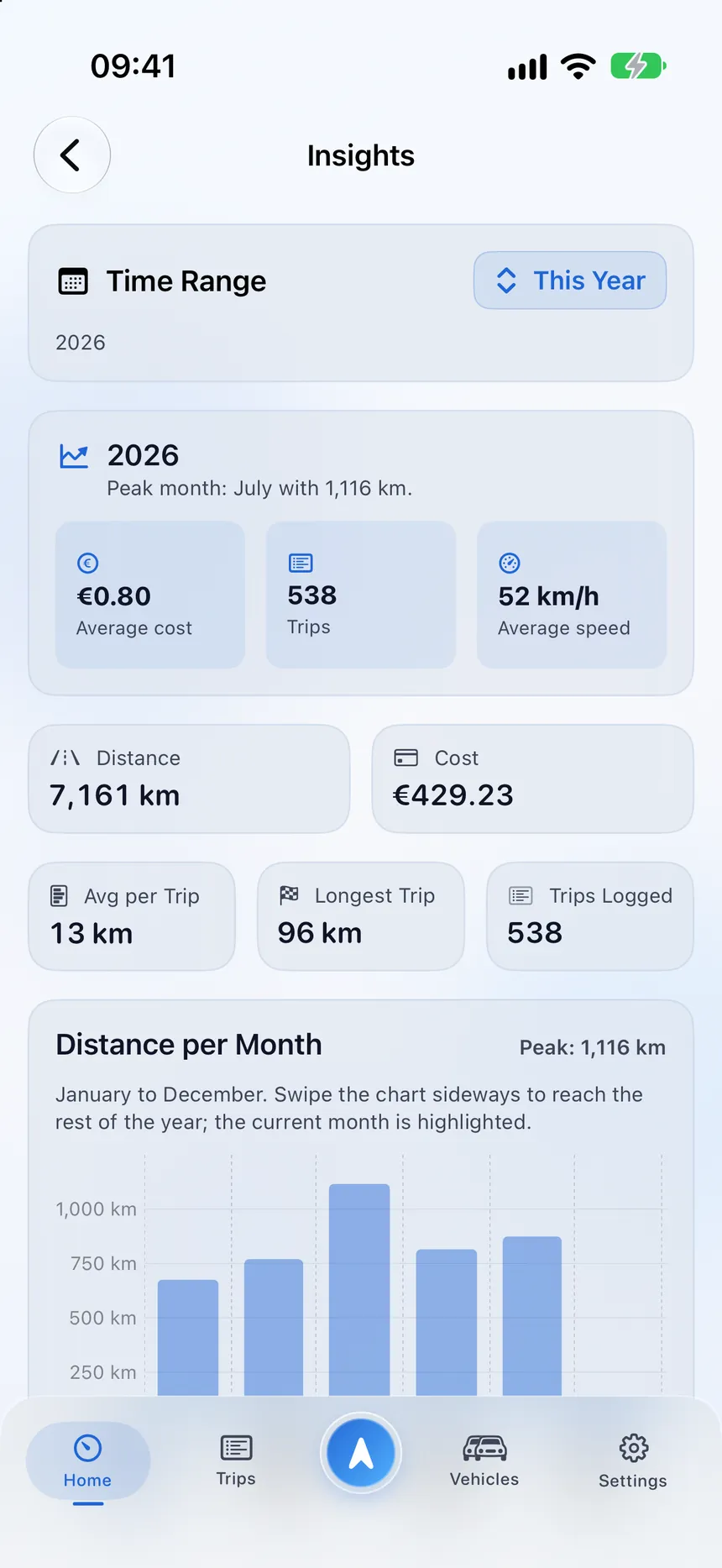
StarLog insights with yearly totals and distance per month
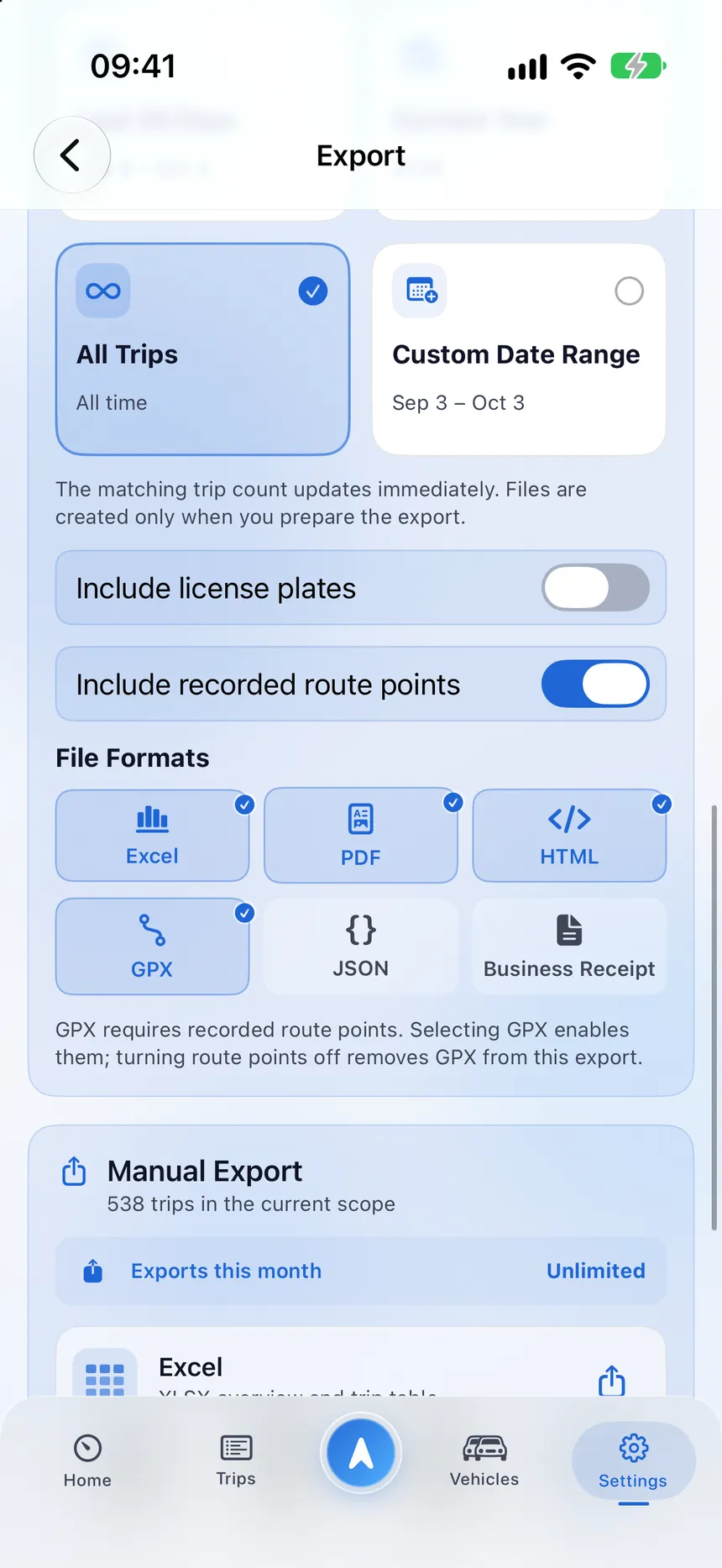
StarLog export with Excel, PDF, HTML, GPX and JSON formats

Principles

Designed around trust.

What teams and members can rely on.

Private by default

Membership alone never exposes a private trip.

Role-based access

People see only what their role and the shares allow.

Transparent changes

Shares can be reviewed, updated and removed.

Audit-friendly

A redacted activity history shows who changed what.

Make the right work trips visible.

Start with the app and invite your organization when you are ready.