

No account needed
You can start using the app on your iPhone right away.
How it works
Set up once, drive as usual and keep the final say. Here is what you will see in the app.
Step 1
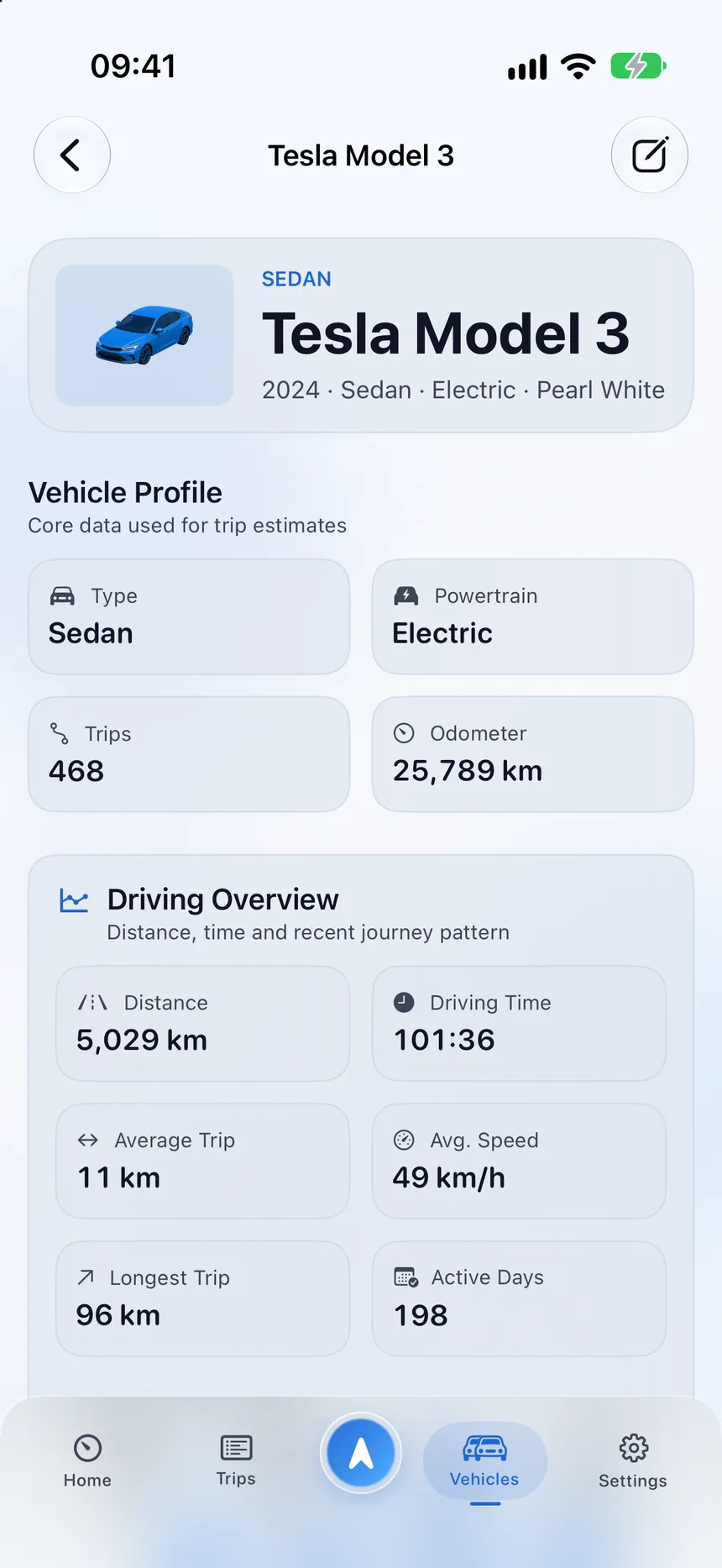
Tell StarLog who the logbook is for and add your vehicle. Choose the type and powertrain, and add details like the odometer reading when you want them.
Step 2
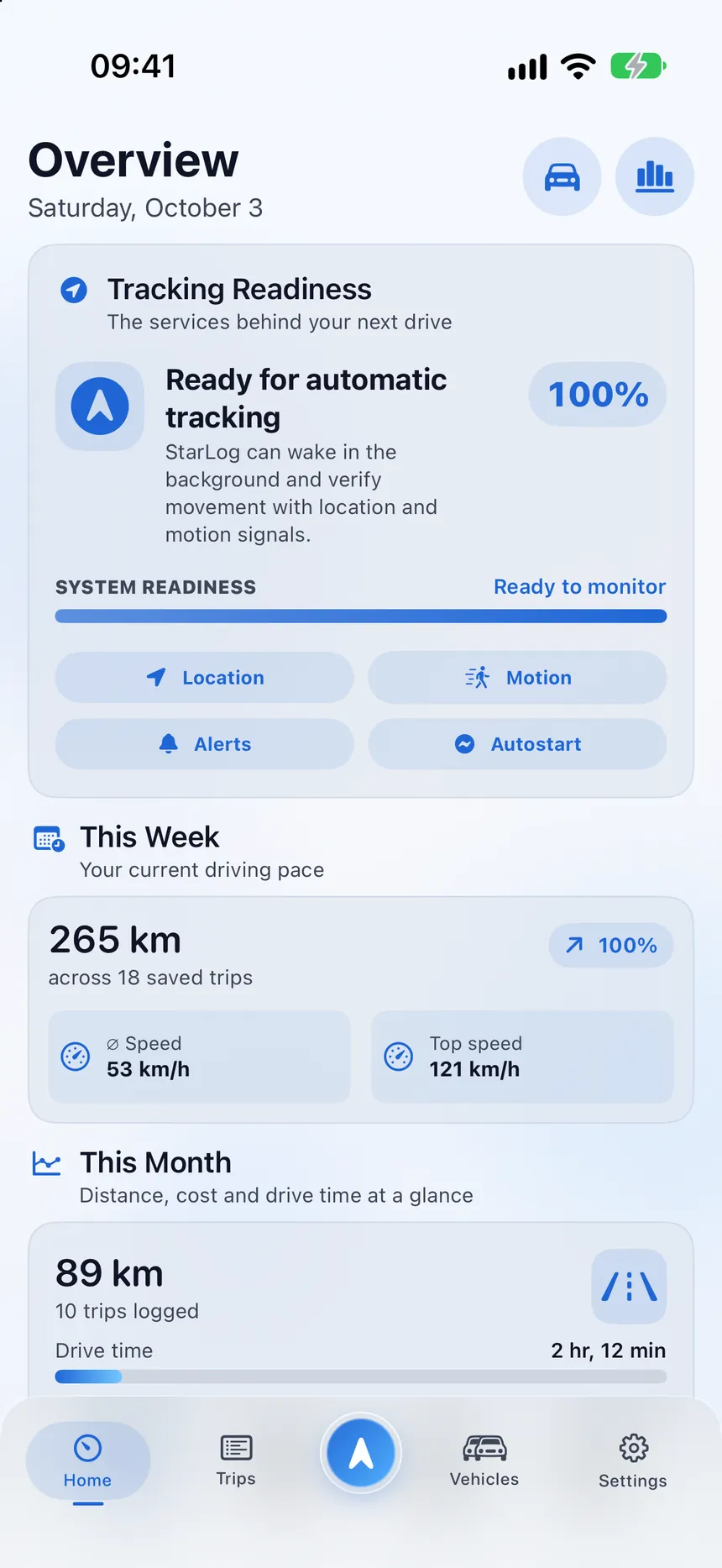
StarLog explains every permission before iOS asks. Location draws the route you travelled, and Always Allow lets iOS wake the app when you start moving.
Step 3
Recording starts only after several signals point to a credible drive. Motion & Fitness helps tell driving apart from walking, cycling and public transport.
Step 4
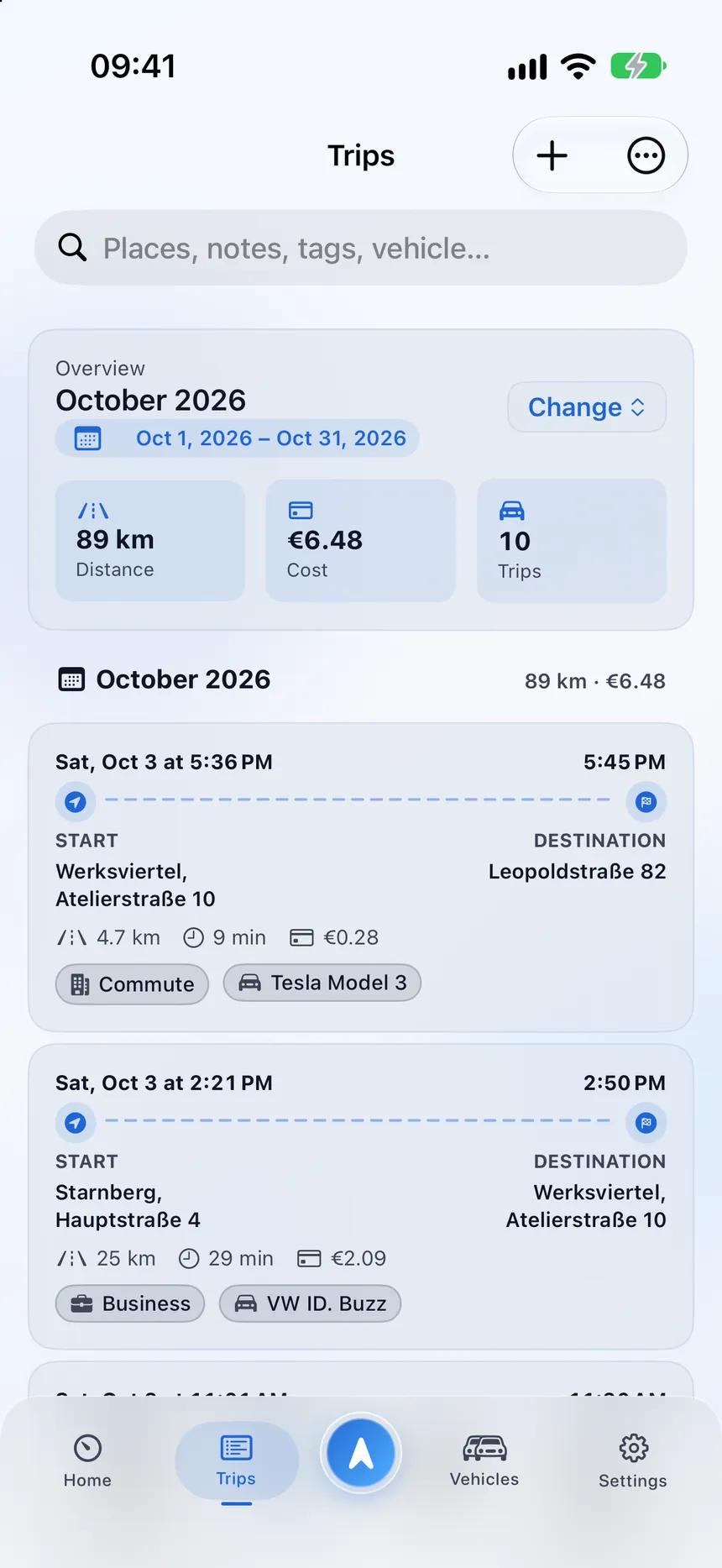
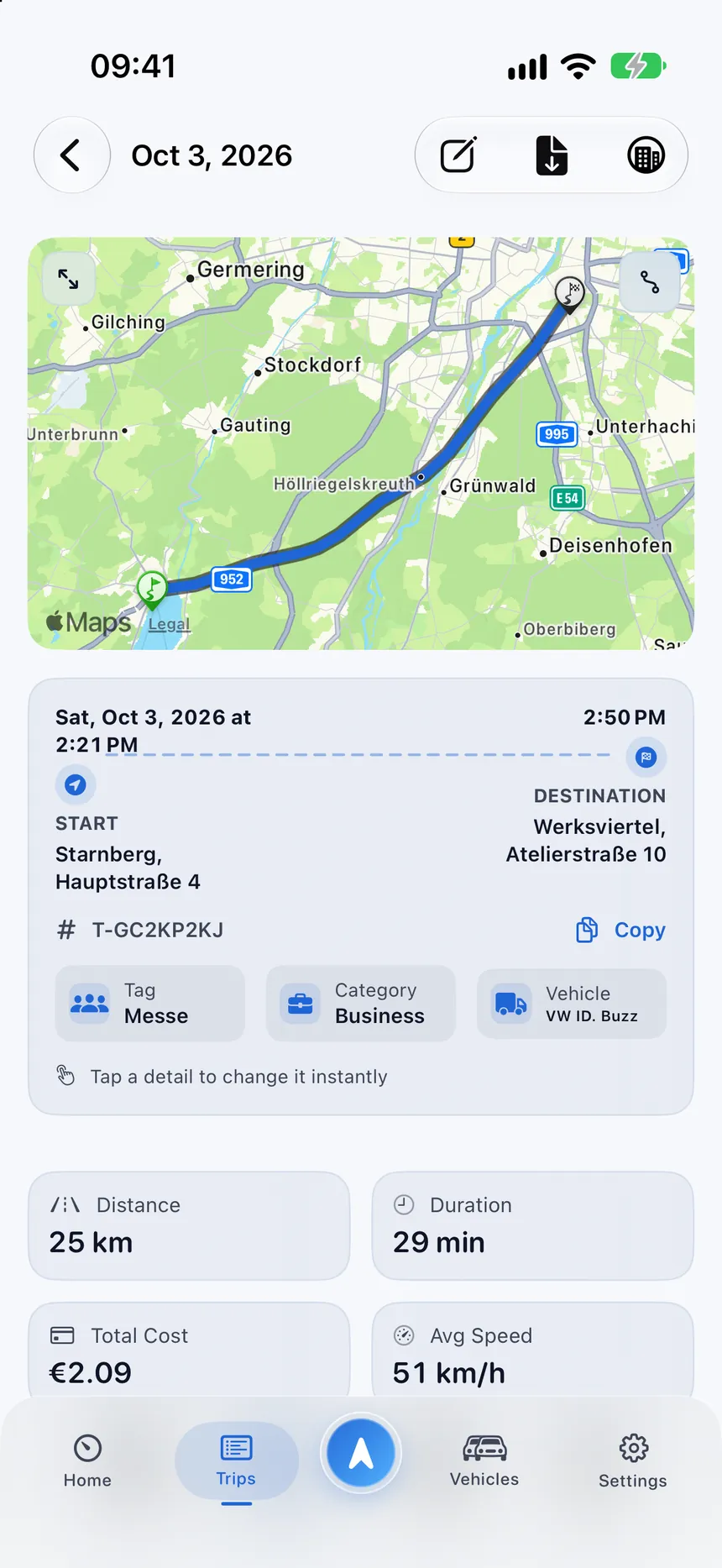
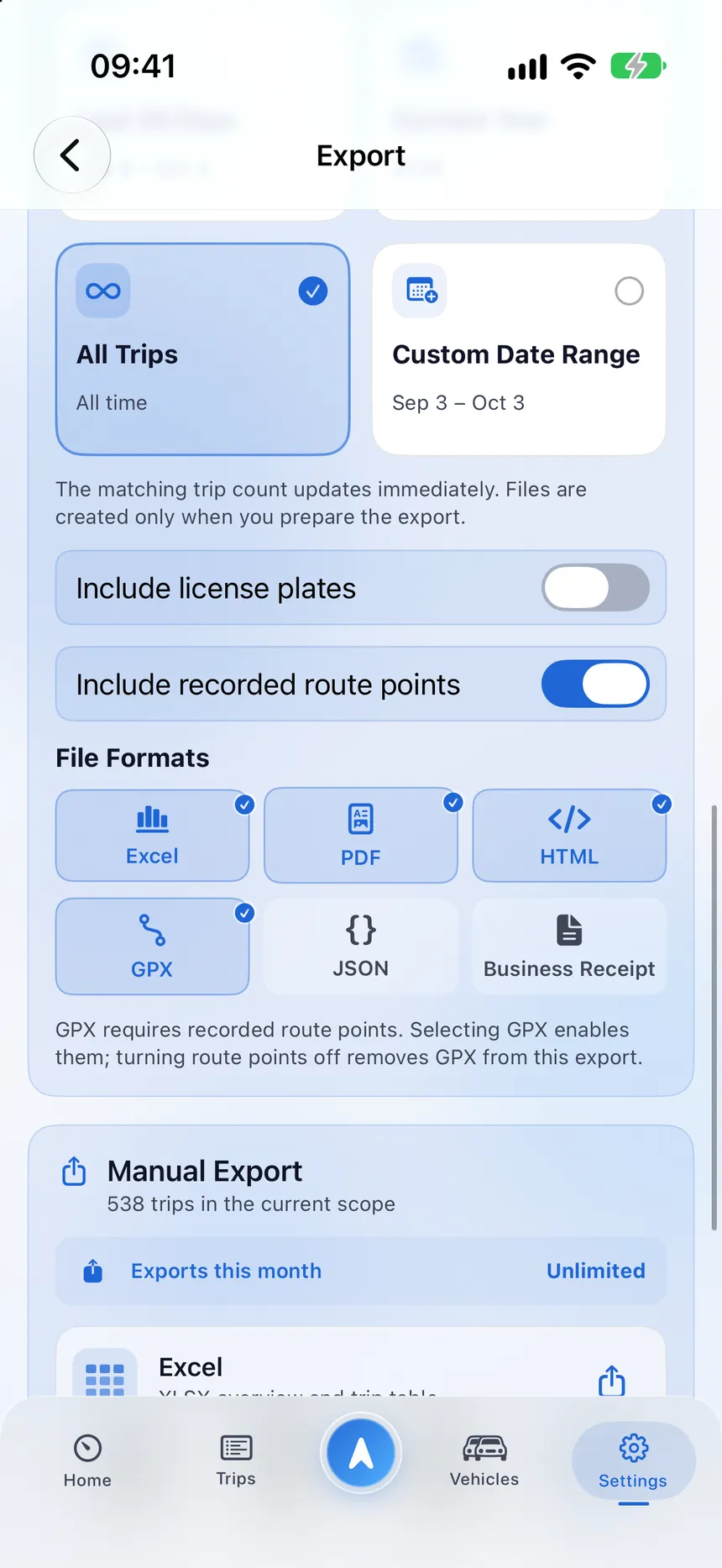
Sort trips into categories, add notes and costs, and keep the whole logbook private. When you need it, export it.
Good to know
Short answers to common first-day questions.
You can start using the app on your iPhone right away.
Recording and reviewing trips does not depend on a connection.
If detection is off, add trips by hand with the full set of details.
Remove a trip or use Delete All Data in Privacy & Data.
A few clear details now can save you from chasing them later.